
Introduction
Does your company use a chatbot to answer frequently asked questions, but you dream of automation that goes beyond simple FAQs? Imagine a system capable not only of informing but also of acting: querying a database, generating a report, or even initiating a refund. This transition means transforming a simple chatbot into a true multi-action AI agent. This comprehensive technical guide will show you how to take this crucial step to optimize your business processes, reduce operational costs, and offer an unparalleled user experience.
At Aetherio, we support startups and SMBs in this strategic evolution. With our expertise in custom application development and AI integration, we understand the technical challenges and business opportunities that intelligent agents present. This article is designed to provide you with a clear roadmap and practical advice, based on years of field experience and critical projects for millions of users. Get ready to add a new dimension to your automation with AI.
Understanding the Transition: From Chatbot to AI Agent
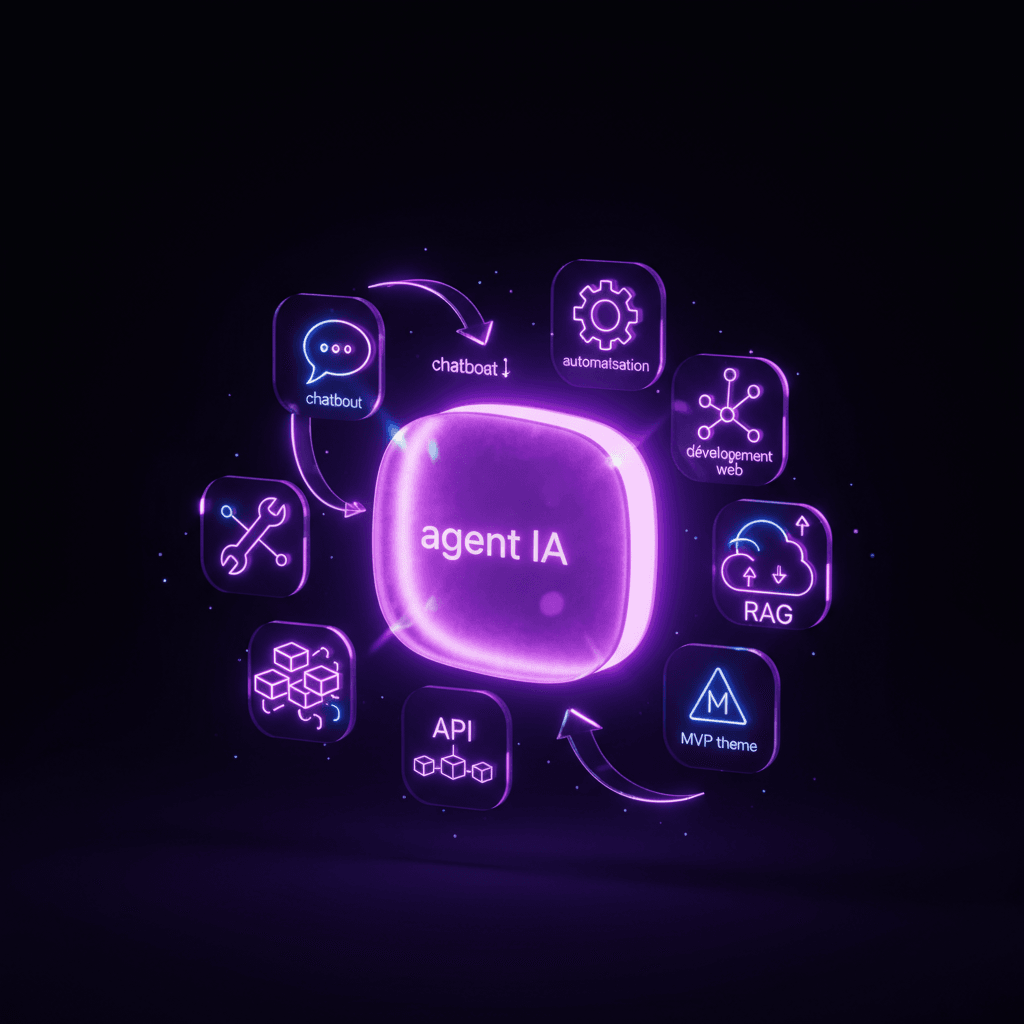
The distinction between a traditional chatbot and a multi-action AI agent is fundamental. While an AI Chatbot: automating customer support with artificial intelligence is primarily designed to interact and provide information based on scripts or a knowledge base (often via a RAG strategy), an AI agent goes much further. An AI agent, especially a multi-action one, has the ability to interpret a request, plan a series of actions, execute these actions via tools (e.g., external APIs), and synthesize the result for the user. In short, it moves from conversation to action.
The evolution of your chatbot into an intelligent agent is not just a simple technical update; it's a paradigm shift that allows for the automation of complex business processes, improves productivity, and offers significant added value to your customers and employees. The use cases for AI agents are vast and constantly expanding, transforming the way businesses operate.
When and Why Migrate Your Chatbot to an AI Agent?
Migration is relevant if your current chatbot is reaching its limits:
- Unexplorable requests: Your chatbot cannot retrieve specific information from your business systems (e.g., order status, customer balance).
- Repetitive human tasks: Your teams spend a lot of time performing routine tasks of consulting or triggering simple actions following a customer interaction.
- Increased autonomy needed: You want the system to be able to take contextual initiatives to solve a problem or complete a task without direct human intervention.
- Improved customer experience: Offering instant answers and immediate actions to complex queries can significantly increase customer satisfaction and free up time for your support or sales teams.
- Cost optimization: By automating low-value tasks, you can reduce your teams' workload and, ultimately, operational costs.
The market in 2025 is rich with opportunities. Integrating AI into web applications is no longer an option but a necessity to remain competitive and meet growing user expectations for fast, personalized services.
Key Steps for Technical Migration
Migrating your existing FAQ chatbot to a multi-action AI agent is a structuring project that requires a methodical approach. Here are the crucial technical steps that Aetherio implements:
1. Identify Action Candidates for Automation
The first step is to analyze your current chatbot interactions and your organization's business processes. The goal is to identify opportunities for action automation. Start with "read-only" actions to minimize risks. For example:
- Order status lookup: The agent queries an internal API to retrieve an order's status via an order number.
- Product availability check: The agent consults inventory via an API for a given product.
- Access to specific information: The agent searches for documents in an internal database not accessible to the FAQ chatbot, such as technical specifications or refund policies.
These initial actions provide solid anchors for demonstrating the agent's value without introducing major transactional risks. Detailed analysis of your processes will guide the implementation of these functions for business process automation via AI.
2. Design the Agent Architecture and 'Tool Use'
Once actions are identified, architecture design is paramount. The AI agent will need key components:
- The agent's brain (LLM): A Large Language Model to understand user intent, plan actions, and generate coherent responses. Techniques like fine-tuning, prompt engineering, and RAG for LLMs will be considered to optimize its performance.
- The 'tool use' module: This is the core of the multi-action capability. It allows the LLM to call external functions (APIs, databases, third-party services). Each 'tool' must be clearly defined with a precise description of its function and its input/output parameters.
- The orchestrator: A component that manages the execution flow: receives the user request, passes it to the LLM, receives the action(s) to be performed, executes them via the 'tool use' module, then passes the results back to the LLM for final synthesis.
- The extended knowledge base: Beyond FAQs, the agent could access more complex databases containing product information, customer profiles, etc.
3. Gradually Add 'Tool Use' and Define APIs
The integration of 'tool use' should be done incrementally. For each identified action, you will need to:
- Develop or adapt the business API: Ensure that the necessary functionalities are exposed via robust and well-documented APIs (REST, GraphQL, etc.).
- Describe the tool for the LLM: The LLM needs to understand how to use the API. This is typically done through a functional description in natural language and an interface specification (function signature, expected parameters, response format). For example, for "check order status," the description would say "Tool to retrieve a customer order's status by providing an order number."
- Implement the connector: An intermediary code that translates the agent's call into an actual API call, handles errors, timeouts, and data transformation.
Securing APIs for AI agents and tool use is a critical step not to be overlooked to protect your internal systems.
4. Maintain Robust Conversational Fallback
Even the best AI agent will encounter situations it cannot handle (ambiguous requests, lack of data, API errors). It is crucial to design an effective fallback system:
- Redirection to human: In case of agent failure or uncertainty, the system must be able to transfer the conversation to a human agent, providing all interaction context.
- Clarification: The agent should first attempt to clarify the user's request before escalating, by asking relevant questions.
- Apology/explanation message: If the agent cannot respond or act, it must explain this clearly to the user, without causing frustration.
5. Implement Guardrails and Human Validations
Especially for "write-actions," strict guardrails are necessary:
- Validation of actions before execution: Initially, the agent can propose an action to the user, who must explicitly confirm it ("Do you really want to cancel this order?").
- Human approval for sensitive actions: Certain actions (e.g., significant refunds, modification of sensitive data) should require explicit human validation before execution, even after user confirmation. The agent prepares the action, but a human will trigger it.
- Monitoring and audit: Track all actions performed by the agent, with detailed logs, for a complete audit and rapid anomaly detection.
Concrete Example: From Support FAQ to Advanced Order Agent
Let's imagine a typical use case for an e-commerce company:
Initial FAQ Chatbot:
- User request: "What is the status of my order number 12345?"
- Chatbot response: "I cannot access your personal information. Please log in to your customer account to check your order status."
Multi-Action AI Agent After Migration:
The user logs in, the agent identifies them.
- User request: "What is the status of my order number 12345?"
- Agent Process:
- The agent (LLM) understands the intent: "order status lookup."
- It identifies the relevant tool:
getOrderStatus(orderId). - It extracts the parameter
orderId = 12345. - It executes the tool via the internal API (
GET /api/orders/12345/status). - The API returns:
{ "status": "shipping", "eta": "2025-06-15", "items": ["product A", "product B"] }. - The agent synthesizes the response: "Your order #12345, containing 'product A' and 'product B', is currently shipping and should arrive on June 15, 2025."
Evolution to a Complex Action with Validation:
- User request: "My order #12345 is damaged, I'd like a refund."
- Agent Process:
- The agent understands the intent: "refund request for damaged product."
- It proposes an action: "I can initiate a refund request for order #12345. This requires validation from our customer service. Would you like me to create this request?"
- User: "Yes, please."
- The agent triggers the tool
initiateRefundRequest(orderId, reason='Damaged product'). - The tool creates an entry in the CRM for customer service and sends a notification.
- The agent responds: "Your refund request for order #12345 has been forwarded to our customer service. A representative will contact you within 24 hours to finalize the process and request photos of the damaged product."
This process shows how the agent, after identifying the need, proposes an action, waits for confirmation, then executes the appropriate action while managing interaction with customer service for steps requiring human intervention. This level of intelligent automation provides time savings and satisfaction.
Pitfalls to Avoid During Migration
Migrating to a multi-action AI agent brings its share of challenges. As a specialized technical partner, Aetherio has identified common pitfalls to avoid:
1. Wanting to Automate Everything at Once
Enthusiasm for AI is contagious, but trying to automate every interaction and every process from the start is a recipe for failure. An iterative and progressive approach is key:
- Start small: Target one or two high-impact or low-risk use cases (read-only actions) to master the technology.
- Evolve in stages: Gradually add capabilities, validating each new feature with rigorous testing and user feedback.
- Focus on ROI: Prioritize automations that offer the best quick return on investment to prove project value and gain internal buy-in.
2. Underestimating the Importance of Testing and Validation
An AI agent acting on your systems requires a much higher level of reliability than a simple informative chatbot. An error can have significant operational or financial consequences:
- Exhaustive testing: Set up automated testing frameworks for each tool, each interaction scenario, and each decision path of the agent.
- Failure scenarios: Test not only nominal cases but also limits, ambiguities, API errors, and unexpected requests.
- Continuous human validation: Even after deployment, keep an eye on agent performance, error logs, and user feedback. Continuous improvement is essential.
3. Neglecting API and Data Security
The AI agent will act as a privileged user on your systems. Security flaws can open the door to major risks:
- Principle of least privilege: Ensure that each agent tool has access only to the resources and actions strictly necessary for its function.
- Robust authentication and authorization: Use strong authentication mechanisms for API calls (OAuth2, JWT) and granular authorization systems.
- Protection of sensitive data: Do not allow the agent or LLM to have unfiltered direct access to confidential information. Anonymize or mask data if possible.
- Audit and monitoring: Regularly audit agent access logs and monitor for any suspicious activity on your APIs.
4. Forgetting User Experience and Transparency
A multi-action AI agent must offer a fluid and transparent experience, without creating confusion or frustration:
- Clarity of actions: The agent must clearly indicate that it is going to undertake an action on behalf of the user and obtain explicit consent.
- Expectation management: Explain what the agent can and cannot do. Avoid overselling its capabilities by creating unrealistic expectations.
- Real-time feedback: Inform the user about the progress of actions. For example, after initiating a refund: "Your request is being processed..."
By avoiding these pitfalls and adopting a structured approach, you will maximize the chances of success for your migration to a powerful and secure AI agent.
Conclusion
Migrating an FAQ chatbot to a multi-action AI agent represents a major opportunity for companies seeking automation and efficiency. This is not solely a technical advance; it's a strategic transformation that can significantly add value to your customers and free up your teams from repetitive tasks. By moving from simple information to concrete action, you pave the way for unprecedented optimization of your business processes and an enriched user experience.
From identifying candidate actions to deploying secure 'tool use,' and implementing essential guardrails, each step must be approached with rigor and expertise. The pitfalls related to overly rapid automation, insufficient testing, or security gaps are real, but perfectly avoidable with a methodical approach and an experienced technical partner.
At Aetherio, we specialize in supporting startups and SMBs in the development and integration of tailor-made AI solutions. Our CTO as a Service approach guarantees a complete strategic vision, from technical architecture to business and marketing outcomes. If you are ready to transform your chatbot and fully harness the potential of multi-action AI agents for your business, contact us. Together, we will build an innovative, high-performing solution perfectly adapted to your needs, ensuring measurable ROI and significant technological advancement.
Further Reading:
AI Chatbot: automating customer support with artificial intelligence
Integrating AI into Your Web Applications: A Comprehensive 2026 Guide with Real Cases
Enterprise RAG: Connecting AI to Your Internal Data for Reliable Answers